Open Source and Freeware Software Links
Favorites
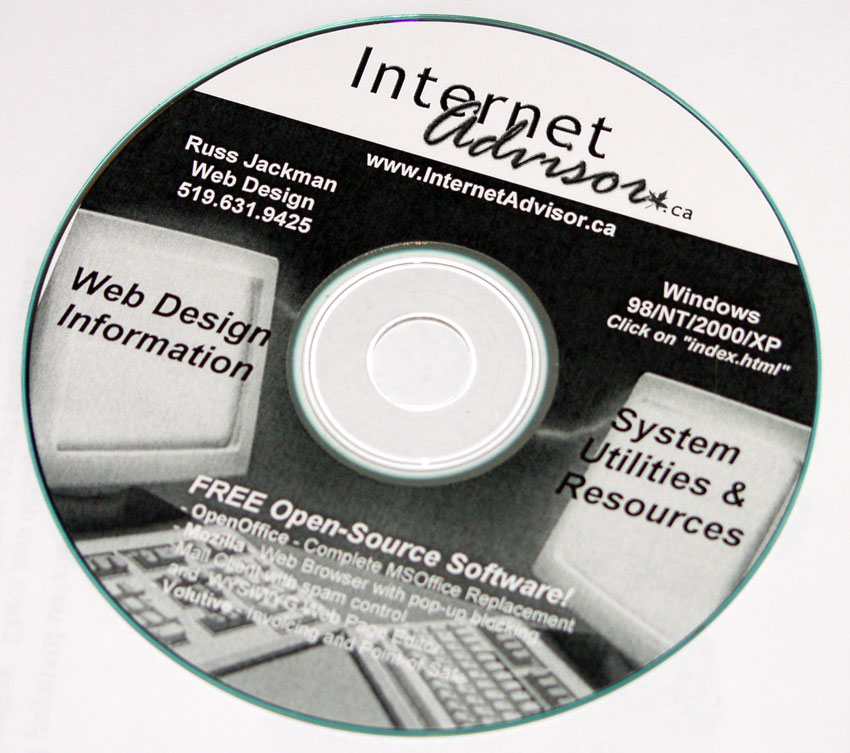
- Mozilla - www.mozilla.org - Award-winning Web Browser, Mail Client, HTML Editor.
- OpenOffice - www.openoffice.org - Very capable SOHO substitute for Microsoft Office.
Excellent resources for freeware, shareware, and demo programs
- Cnet.com Downloads - www.cnet.com/downloads
- Tucows - www.tucows.com
eCommerce System / Shopping Cart
- osCommerce - www.oscommerce.org - Popular open source shopping cart system. Allows store owners to add, modify, and delete items using a series of administration options through their web browser. (note: Russ Jackman Web Design offers web hosting accounts from $150 per year that include one-button installation of osCommerce. While PayPal is the easiest method to add a free shopping cart and process credit card transactions for your site, osCommerce is a popular and versatile option that can integrate with payment gateways, including PayPal. Email us for more information.)
Automated CMS (content management systems) and discussion board scripts
- PHP-Nuke - www.phpnuke.org - PHP and MySQL content management system. A simple way to create an interactive web site, though at the expense of the look-and-feel of the site. (note: Russ Jackman Web Design offers web hosting accounts from $150 per year that include one-button installation of PHP-Nuke. Email us for more information.)
- Postnuke - news.postnuke.com - an alternative and popular CMS released under a "creative commons" license, not the open source GPL. It is free for non-commercial use.
- phpBB - www.phpbb.com - Versatile MySQL- based guestbook with an active support commuity.
By Russ Jackman
What Is "Open Source"
InternetAdvisor.ca
June 2004
?Open source? generally refers to software that has been released to the public under the General Pubic License (GPL), allowing unrestricted use of, and modification of, the software code. One of the few stipulations is that any modification or enhancement to the code must also be released under the GPL, allowing communities of programmers to contribute to the development of open source software.
For us non-developers, it means we can download and use the code in any way we see fit – for free.
Releasing software to the open source community can make a sensible business model. Companies distributing open source software don't make money off the software code itself, but they can earn substantial revenue from services to enterprises (consulting, customization, training, support).
Is Open Source Software Secure?
Because of its transparency, the source code being freely available to both hackers and developers, open source can be more secure than traditional software. The more eyes looking at the code, the more likely that a security hole will be identified and plugged before it can be maliciously exploited. However, not every bit of code labeled as ?open source? is good code, just as much well-known traditional software still requires frequent patches and security updates.
One big advantage with open source is that you're not reliant on a traditional software company. For instance, Microsoft ends support for software after 7 years in most cases, forcing you to purchase an upgrade. Large, traditional software companies can also go out of business or be gobbled up by a competitor, affecting support for software that may be crucial to your business. Even if an open source project ends, the code is freely accessible for a programmer to continue to provide support.
Benefits For Your Business
While the open source development model can produce software as stable and secure as traditional software companies, not every piece of software produced under either model will be stable and secure. Anyone who's seen the ?blue screen of death? knows that!
However, considering an open-source alternative can save money, provide innovative new features, and offer better security for your small or home-based business. They can also offer compatibility across different operating systems, meaning your business can run the same software on Windows, MacOS, and Linux machines. Here are two of my favorite open source applications:
Mozilla - www.mozilla.org
Mozilla is a free, open source substitute for Internet Explorer and Outlook Express that adds speed, security, and new features to your web and email experience. With built-in pop-up blocking, junk email handling, and tabbed browsing, Mozilla shows how the open source community can create polished, secure software.
You can download the program for free from mozilla.org (or order a CD for a nominal amount), and install it without making it your default web browser and mail client. This allows you to try it out, and in fact Mozilla and Internet Explorer are quite happy to both run on the same machine.
Open Office - www.openoffice.org
OpenOffice provides the functionality and compatibility of Microsoft Office, and adds some useful features ... all in a free, open-source program.
The download from openoffice.org is huge (around 60 megabytes), but again a CD can be ordered. OpenOffice can be installed on a machine already running MSOffice, or as a replacement for Office ... OpenOffice will read and write Word, Excel, and PowerPoint files with a high degree of accuracy.
One nice feature of OpenOffice, is the ability to export documents and spreadsheets directly to PDF files. eWeek recently did a head-to-head comparison of OpenOffice and Office 2003, and I've posted the link at http://www.internetadvisor.ca/software.html.
Open source software is a viable alternative for both small and home based businesses, as well as the enterprise. As Microsoft has so thoughtfully pointed out in a recent advertising campaign, though, the total cost of ownership - including training and support - must be considered beyond just the upfront cost of the software license.
russjackman@internetadvisor.ca Tel: (519) 631-9425